Every mention of a stock, summarized
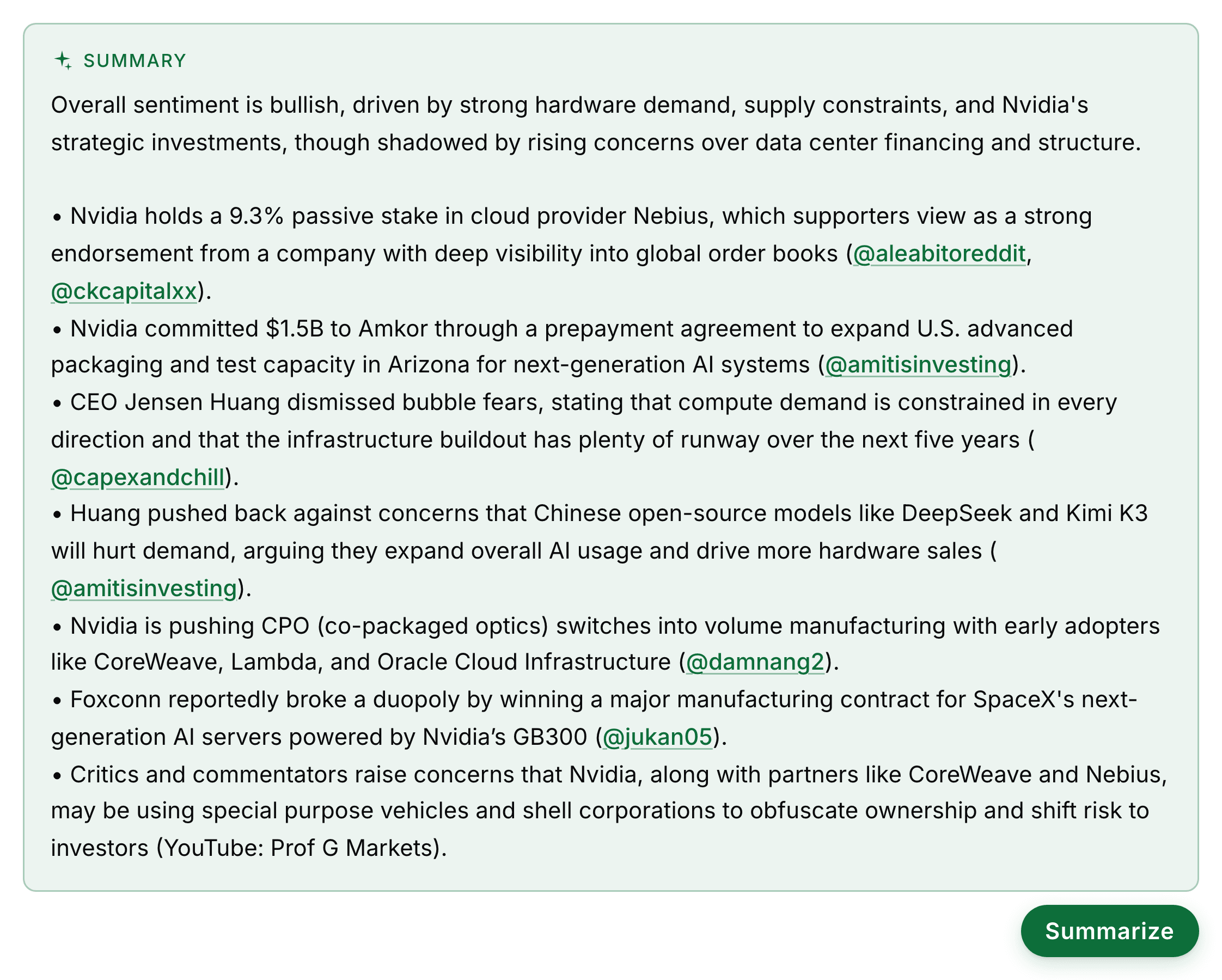
Open any ticker and see what every tracked account has said about it in the last seven days, pulled into one summary with each claim attributed to whoever made it. The full feed sits underneath, newest first.
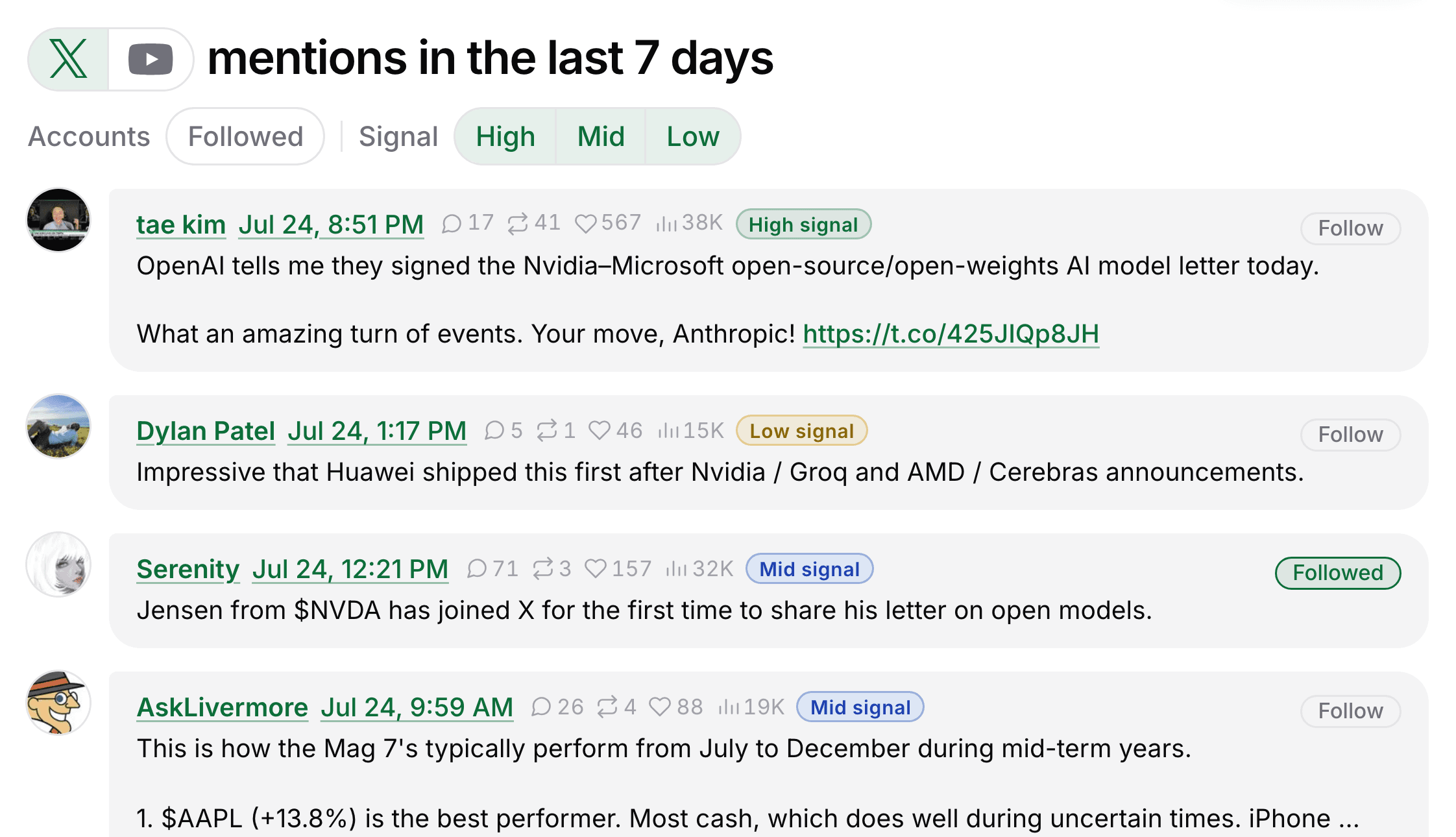
High, mid, and low signal
Every mention is graded on how much it actually tells you about the stock, separately from whether it reads bullish or bearish and from how many likes it got. A popular one-line reaction is low. A post carrying numbers, a thesis, or a change of position is high. Filter the feed to the tiers you want and that choice follows you everywhere.
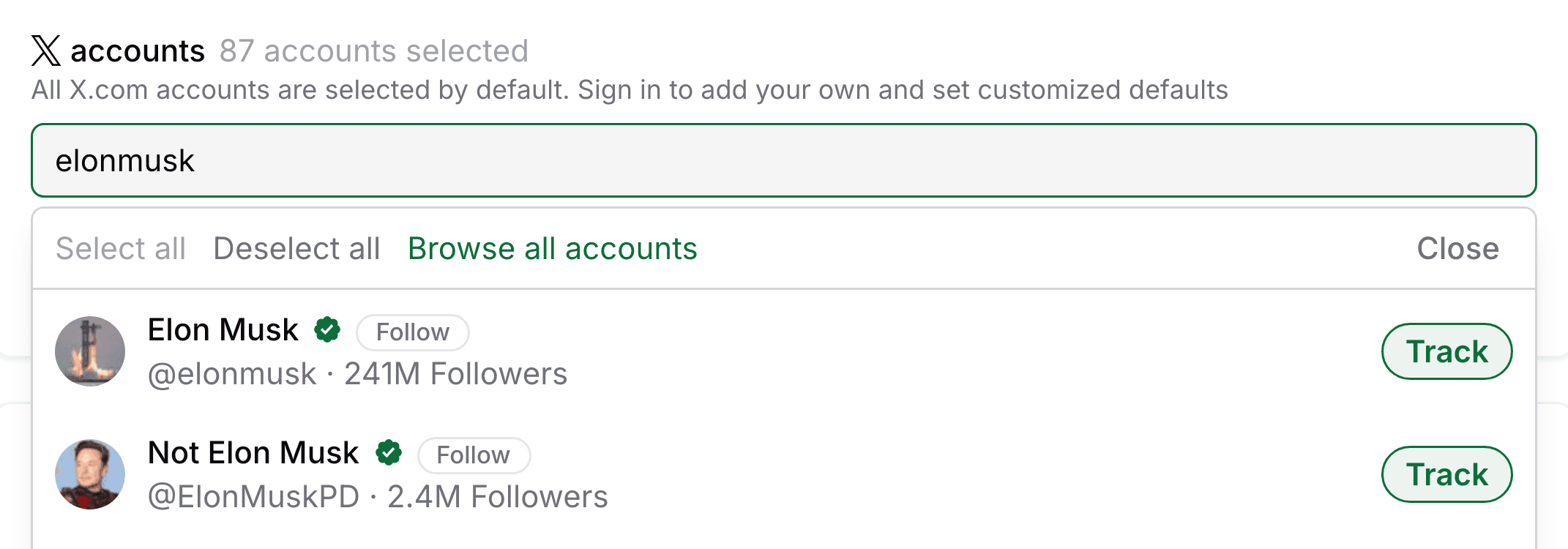
Track X accounts
Search any handle and press Track. From that moment every post that account makes about a stock is stored, graded, and kept. Their view on a ticker is waiting the next time you look it up, instead of buried somewhere in a timeline you have already scrolled past.
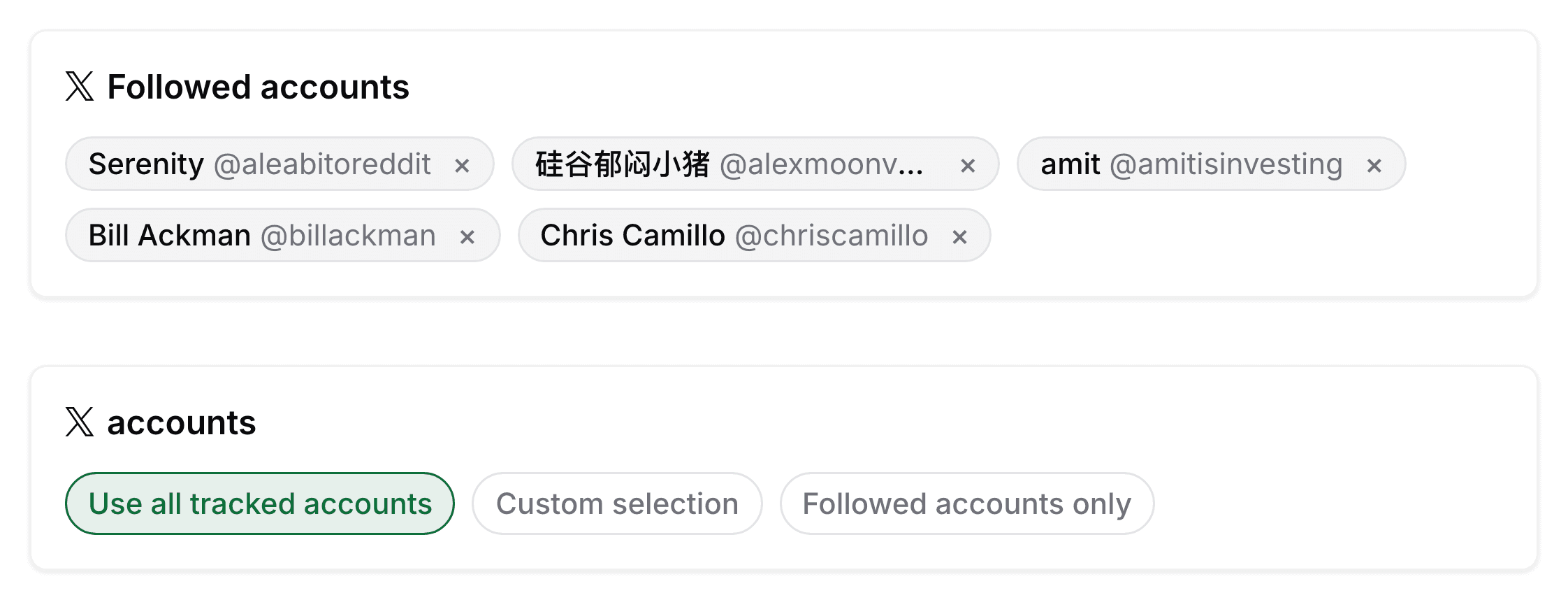
Choose which X accounts to follow
Narrow every ticker page to the accounts you follow, keep the full tracked roster, or build a custom list. The choice applies on every ticker you open, not just the one in front of you.
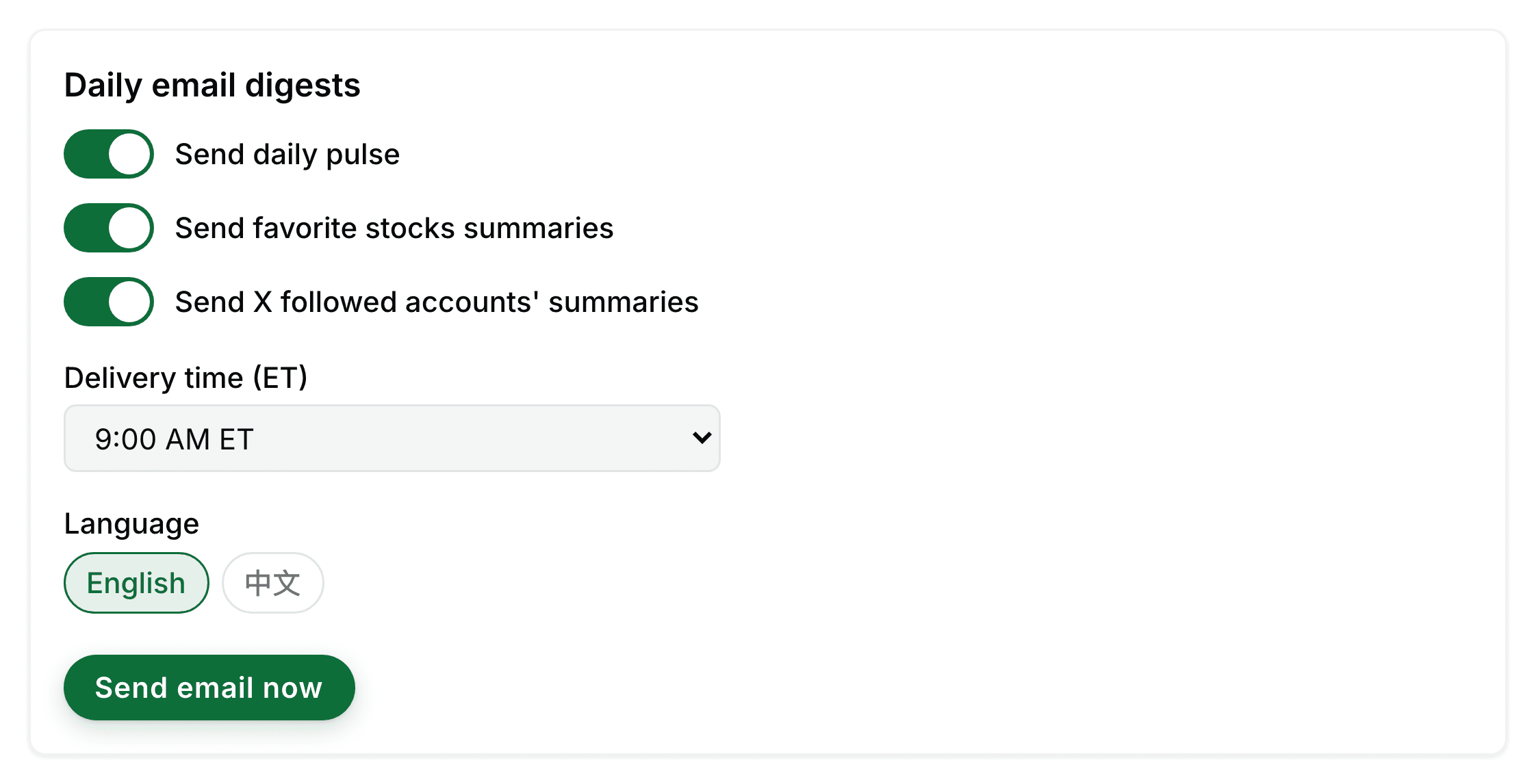
One email a day
Pick a delivery time and a language. The digest covers the overall market pulse, the tickers you have favorited, and what the accounts you follow have been saying. Nothing arrives in between, and you can send yourself a copy at any moment to see exactly what it looks like.